Use Safari
- Open this hub in Safari.
- Tap the Share button.
- Choose Add to Home Screen.
- Tap Add.
Choose your road to learn about the patrol, sign in for member information or explore services for your property.
Choose your road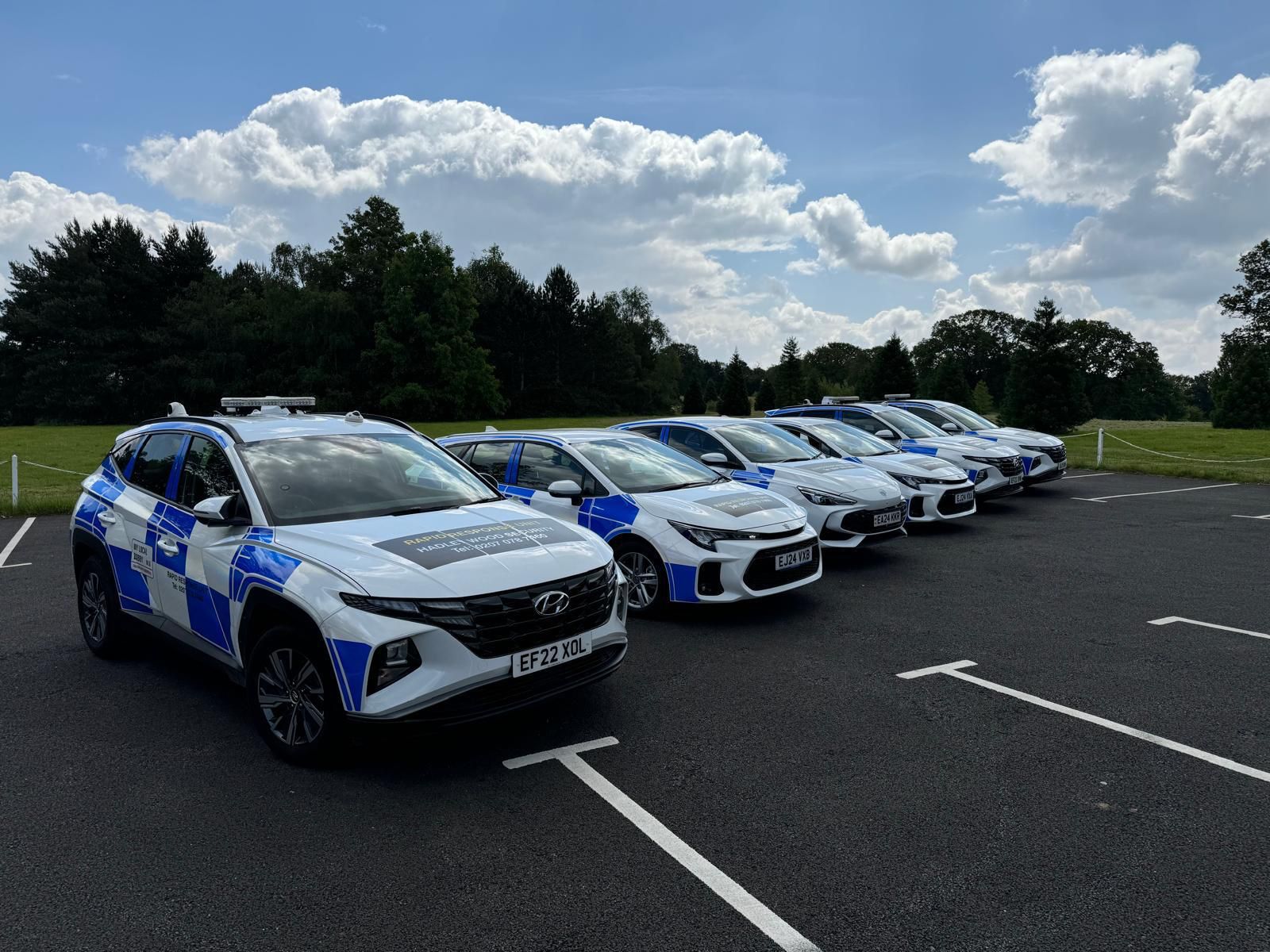
Local. Visible. Connected.
One clear place for the information that matters to your street.
Every road has a public page. Members can sign in for private patrol information, updates and newsletters.
Learn about the patrol, enter the 89 Winnington Road member area and explore property services.
Enter resident hubLearn about the patrol, enter the Fitzroy Park and The Grove member area and explore property services.
Enter resident hubLearn about the patrol, enter the Greenaway Gardens member area and explore property services.
Enter resident hubLearn about the patrol, enter the Ingram Avenue member area and explore property services.
Enter resident hubLearn about the patrol, enter the Norrice Lea member area and explore property services.
Enter resident hubLearn about the patrol, enter the Sheldon Avenue member area and explore property services.
Enter resident hubLearn about the patrol, enter the Spaniards Close member area and explore property services.
Enter resident hubLearn about the patrol, enter the Wildwood Road member area and explore property services.
Enter resident hubLearn about the patrol, enter the Winnington Road and Close member area and explore property services.
Enter resident hubWe will add each Highgate and Hampstead patrol area as its resident page is ready.
 Install on your phone
Add MLB Residents to your Home Screen. It opens in its own window, stays linked to the live hub and receives site updates automatically.
Follow the steps for your phone. No app-store account is needed.
Learn about the patrol serving your road.
Sign in for patrol information and the full officer profile.
Members receive monthly updates, data and newsletters.